
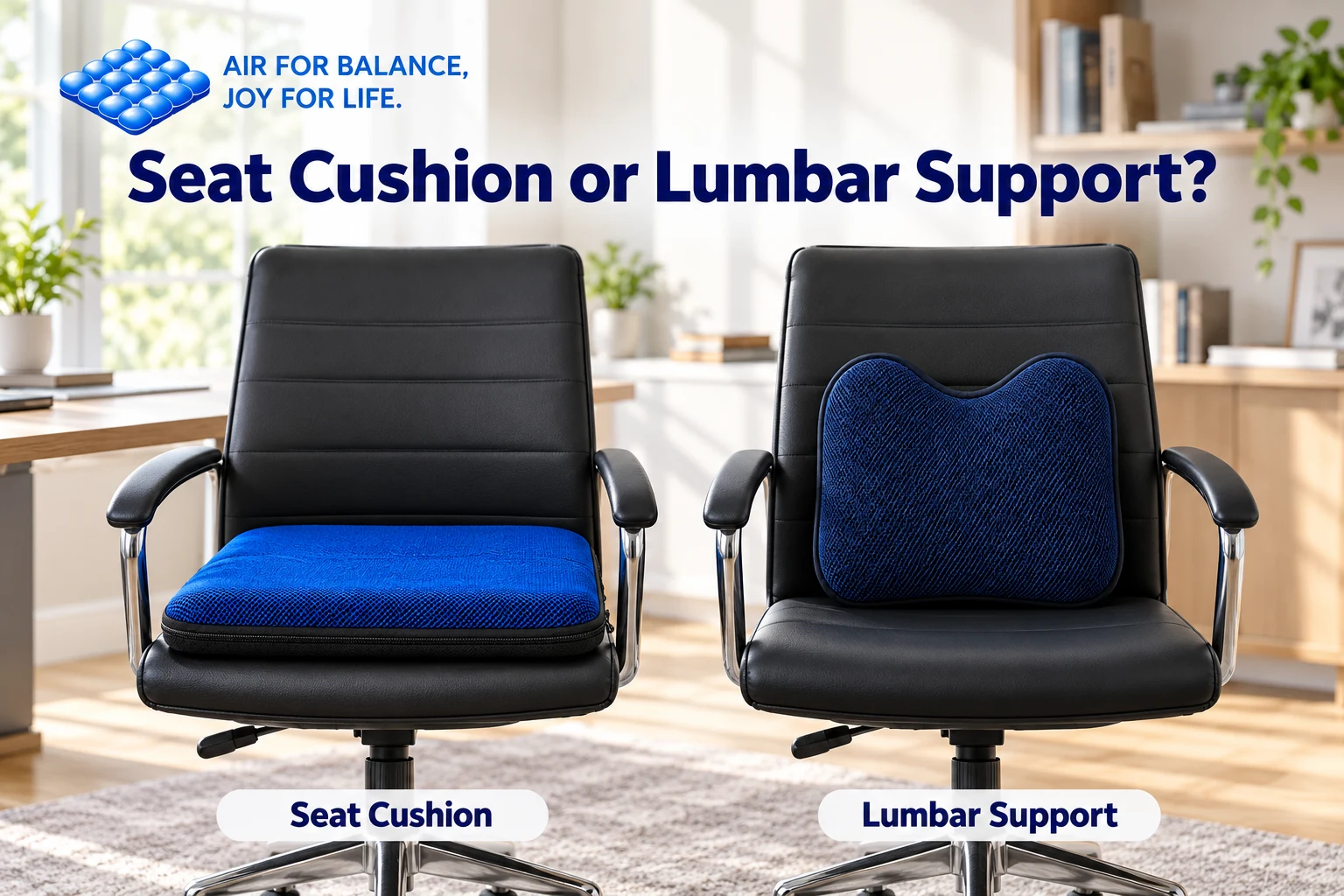
A hard seat and a gap behind your lower back raise different fitting questions, even at the same desk.
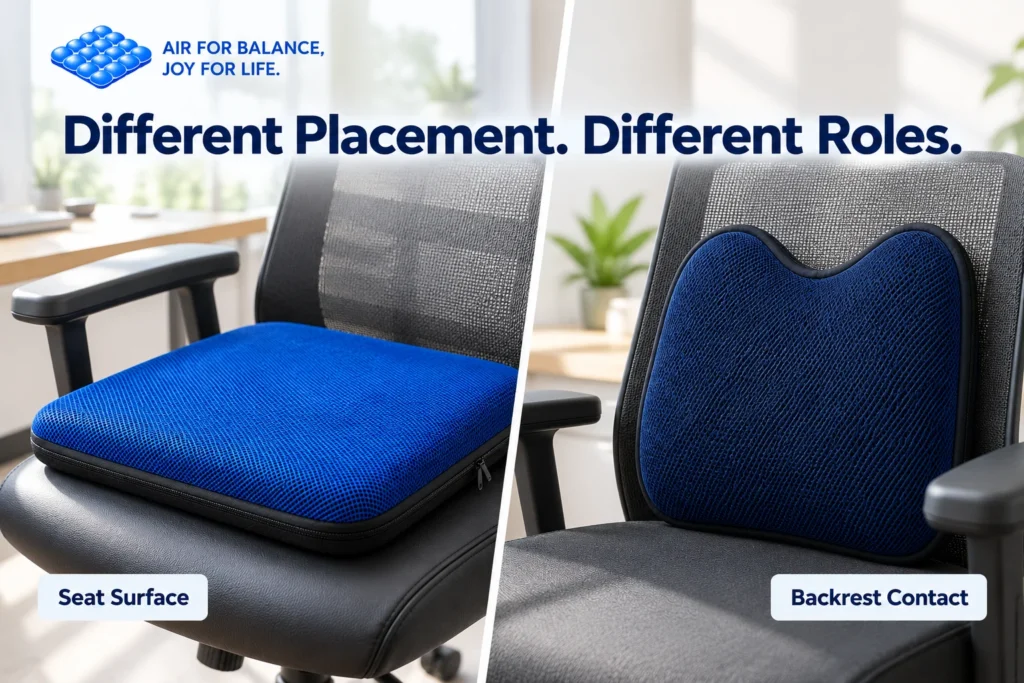
When comparing a seat cushion vs lumbar support, start with placement: a seat cushion goes beneath you, while a lumbar support sits between your lower back and the backrest.
Neither is automatically the better choice. The useful option depends on which part of your setup needs attention, how the chair adjusts, and whether an accessory fits without creating another problem.
What Does a Seat Cushion Change?
A seat cushion adds a layer between your body and the seating surface. Depending on its construction, it can change the feel, firmness, texture, and height of the seat.
An adjustable air cushion also lets you vary the air level. That adjustment affects how the cushion feels while you sit; it does not make an unsuitable chair suitable for every person.
The AJ AIR CUSHION flagship measures 45 × 45 × 5 cm and combines 27 interconnected air cells, a polyester 3D mesh cover, a silicone non-slip base, and built-in press controls.
Before choosing it, compare those dimensions with the usable seat area. Our seat cushion size guide explains what to measure.
What Does a Lumbar Support Change?
A lumbar support changes the contact between your lower back and the chair backrest. It is not a replacement seat pad.
Its shape, position, and thickness matter. A support that feels comfortable in one chair may push you too far forward in another, particularly if the seat is shallow.
Start by checking the chair’s existing backrest adjustment. If the chair already provides comfortable lower-back contact, an additional cushion may be unnecessary.
OSHA’s computer workstation chair guidance recommends suitable lumbar support and supported feet. It also emphasizes adjusting the chair together with the workstation.
That is a setup principle, not an endorsement of a particular accessory.
Seat Cushion vs Lumbar Support at a Glance
| Question | Seat cushion | Lumbar support |
|---|---|---|
| Where does it go? | On the seat beneath you | Against the lower-back area of the backrest |
| What does it primarily change? | The sitting surface and loaded height | Backrest contact and available sitting depth |
| What should you measure? | Usable seat width and depth | Backrest area and remaining seat space |
| What needs rechecking? | Foot support, desk relationship, stability | Lower-back contact, reach, freedom to move |
| Can more thickness be a problem? | It may raise you too far | It may push you too far forward |
The comparison is about fit and function. Neither category can promise the same comfort result for every user.
Which One Should You Try First?
Start With the Seat If the Surface Is the Main Issue
If you are dissatisfied with the seat’s feel but can comfortably use the backrest, a seat cushion is the more direct accessory to assess.
Check that it lies flat and remains supported underneath. Sit down and reassess the complete setup rather than judging it only while standing beside the chair.
If the added height leaves your feet unsupported, adjust the chair or use a suitable footrest where appropriate. Read how a seat cushion changes sitting height before settling on a configuration.
Start With the Backrest If Contact Is the Main Issue
If the seat feels acceptable but the lower-back area lacks comfortable contact, first try the chair’s backrest controls.
If you then assess a separate lumbar support, position it where it meets your lower back comfortably. Avoid placing it simply where it looks centered on the chair.
Check whether you can still sit far enough back, reach your keyboard without stretching, and move naturally. A support that forces you toward the seat edge is a poor fit for that setup.
Can You Use a Seat Cushion and Lumbar Support Together?
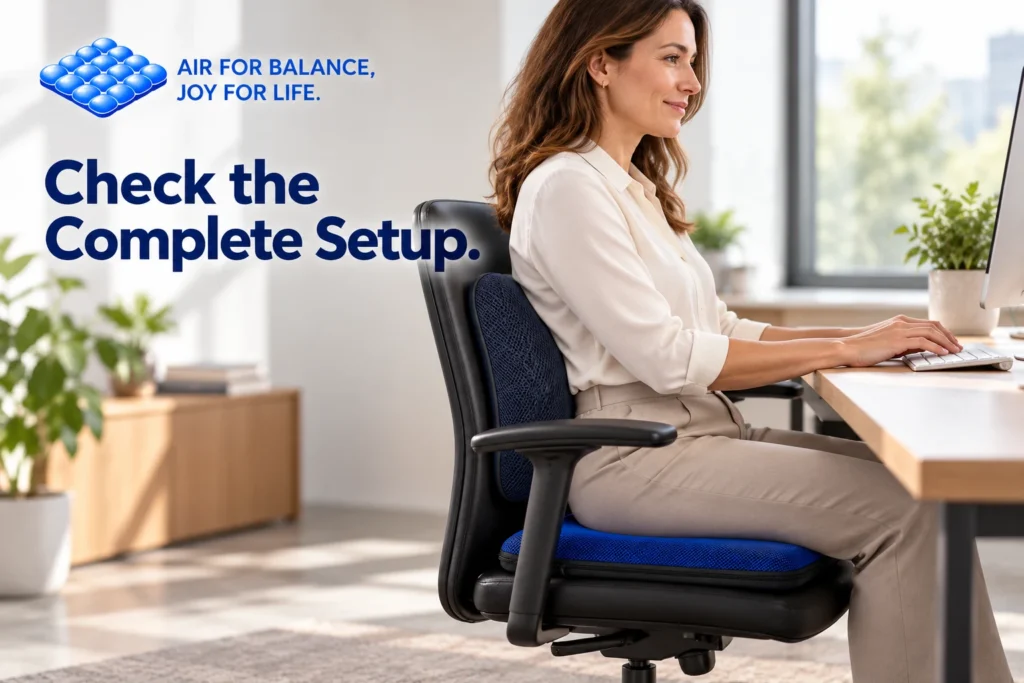
Yes, provided the combination works with your chair and body. Buying both does not guarantee a better result.
Adding a seat cushion changes your position relative to the backrest. A lumbar support that previously lined up comfortably may need repositioning afterward.
Adding a lumbar support also takes up some front-to-back space. Check that enough seat remains to support you comfortably.
Introduce one accessory at a time. Once its placement feels workable, add the second and repeat the checks. This makes it easier to identify which change helps and which one needs reversing.
A Simple Combined-Setup Check
With the accessories in place, assess the following:
- Feet: They have stable support rather than hanging freely.
- Backrest: You can make comfortable contact without being pushed forward.
- Seat: The cushion rests evenly and does not require folding or squeezing.
- Desk: You can reach frequently used items without stretching.
- Movement: You can change position and get in and out comfortably.
If one check fails, revisit placement and chair adjustments before adding more cushioning.
For an adjustable seat cushion, make small changes rather than assuming maximum inflation is best. Follow the air seat cushion adjustment guide.
What About Using Them in a Vehicle?
A vehicle introduces different constraints from an office chair. Check the owner’s manual for restrictions on seat accessories, including occupant sensors and airbag systems.
Before driving, reassess seat-belt positioning, visibility, pedal reach, steering clearance, and stability. Stop using an accessory if it interferes with normal control.
Do not transfer an office setup into a vehicle and assume the fit remains suitable.
Frequently Asked Questions
Does a seat cushion replace lumbar support?
No. It changes the seating surface beneath you, while a lumbar support changes contact with the backrest.
Do I need both accessories?
Not necessarily. Start with the part of the setup that needs attention and check the chair’s built-in adjustments first.
Should lumbar support feel very firm?
There is no universal firmness setting. The support should make comfortable contact without forcing you into an awkward position.
Can I move the same accessories between chairs?
Only after checking each setup. Seat dimensions, backrest shape, and desk relationships can change the fit.
Choose Support for the Part of the Chair That Needs It
Begin with placement and fit, then assess comfort while seated. A seat cushion and a lumbar support serve different roles, and either can be unnecessary if the chair already works well for you.
Explore AJ AIR CUSHION and compare the product dimensions with your everyday chair.
AIR FOR BALANCE, JOY FOR LIFE.